Utility App

Every Meter, Every Month, One App.

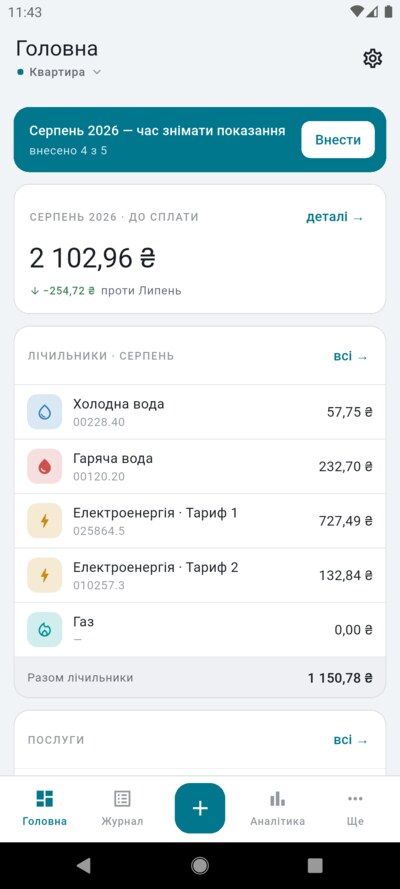
KomMeter keeps your water, electricity and gas readings, the tariffs behind them, and the bills you pay in a single journal — so the number you owe is always something you can check, not something you have to trust.

Built for how utility bills actually work

Thresholds, night rates, norms per resident, one-off charges — the awkward cases are the ones this app was written for.

Two Models That Read the Dial

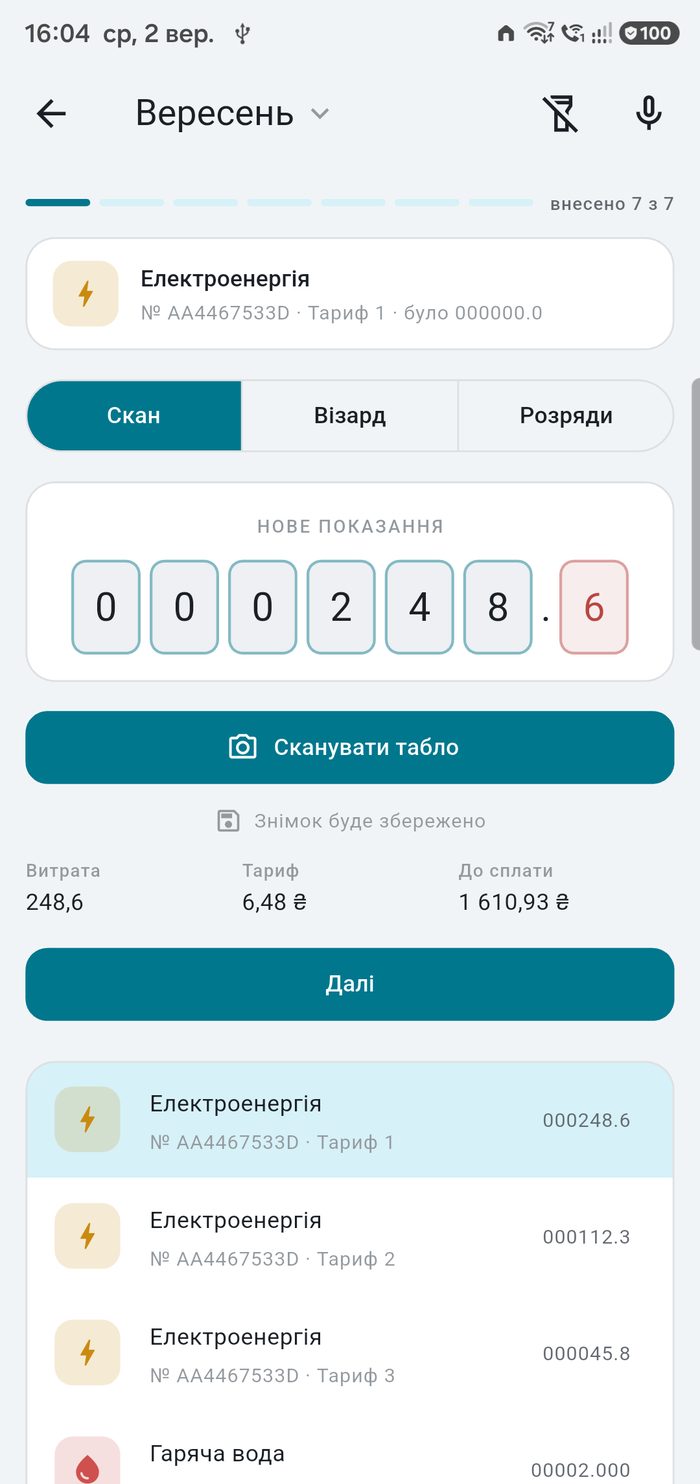
Drum wheels and seven-segment displays are read by two models trained on meters and running on the phone itself — a general text recogniser finds no text at all on a water meter. Offline, and the number is still yours to confirm.

AI Recognition, on a Key of Your Own

Where the models on the phone struggle — poor light, a fogged glass, a drum caught between digits — add your own key for Google, Alibaba, OpenRouter or any other address. The key lives in Android's secure storage, with a monthly limit and a spend counter. Off until you switch it on, and the reading is always confirmed by you.

Multi-Tariff and Threshold Rates

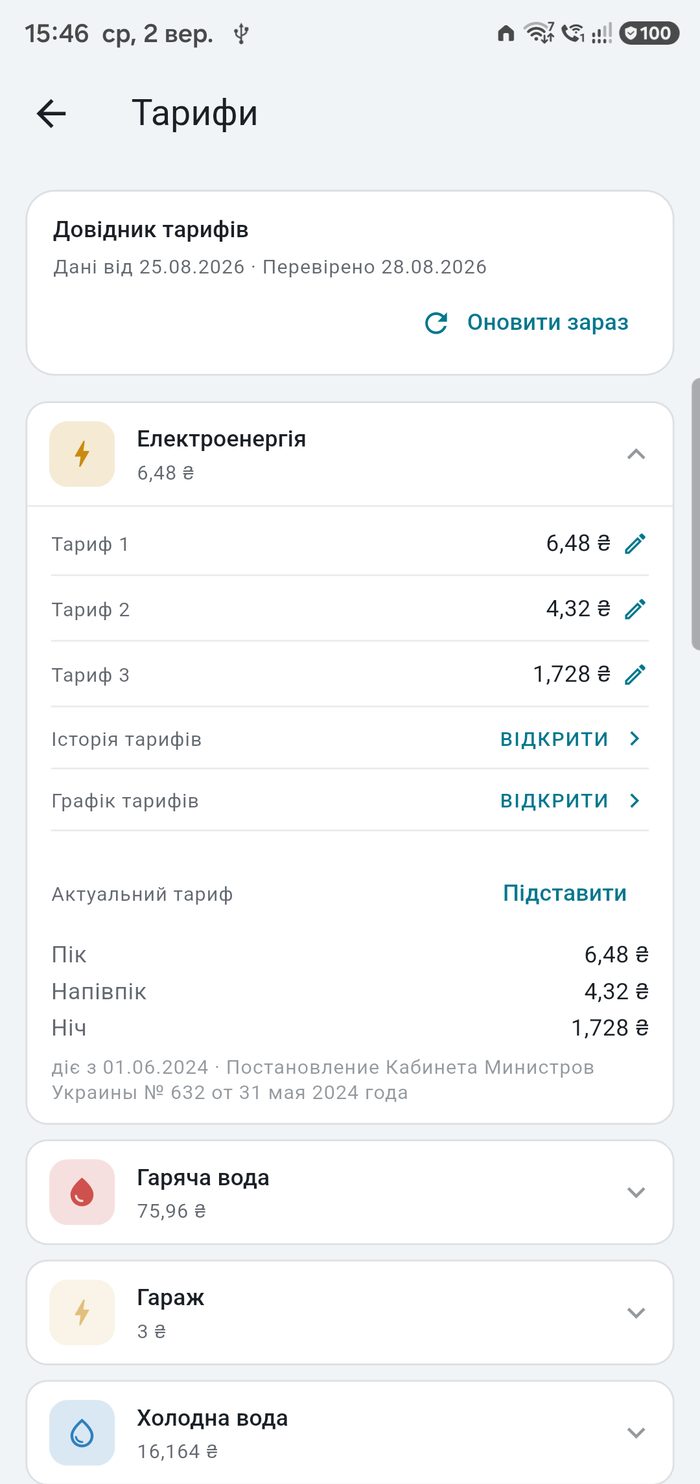
Day, night and peak zones on one electricity meter. Tariffs with one or two thresholds, progressive or banded, with discounts.

Your Own Formula

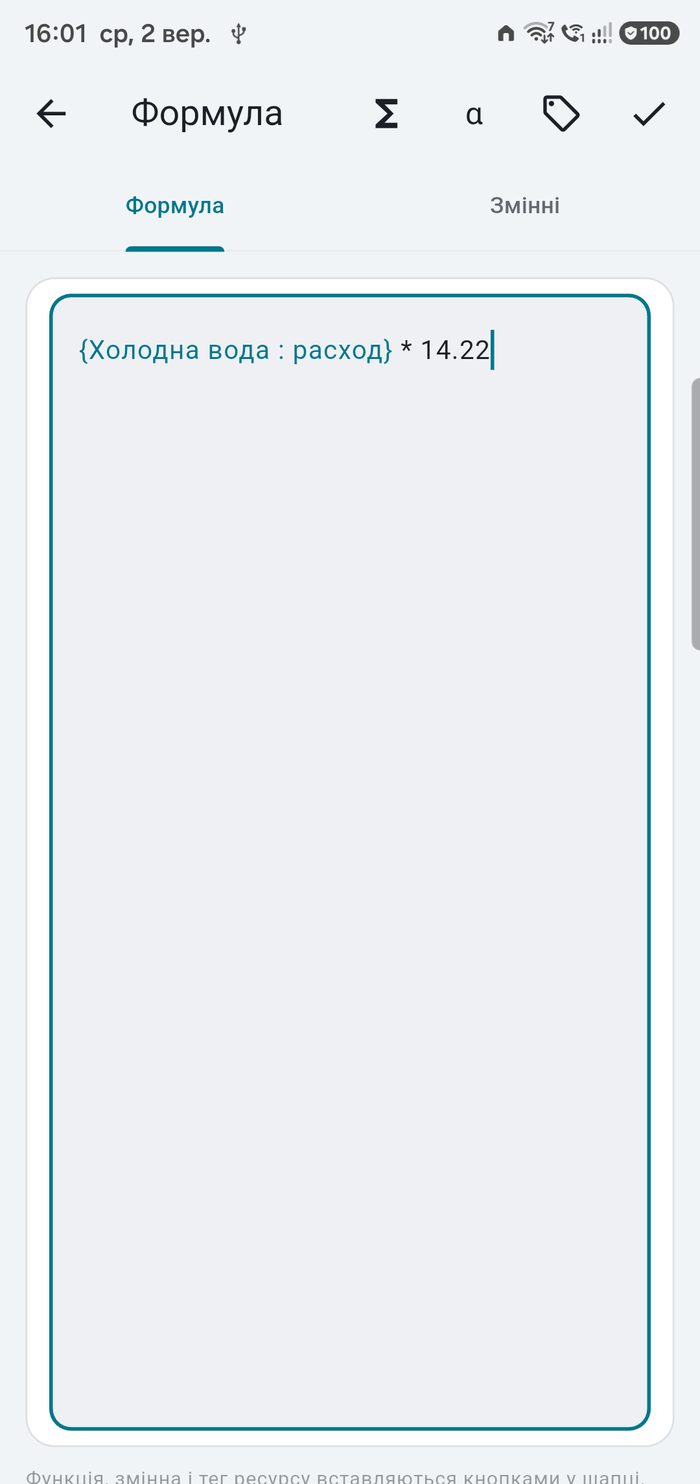
When a charge follows nobody's standard rule, write it: reference other resources by name, use variables, conditions and rounding.

A Journal That Remembers the Tariff

Each month keeps a snapshot of the rate it was billed at, so raising a tariff today never rewrites what you paid last winter. Every figure can be traced back to a reading.

Bills, Payments and Receipts

Group resources into the bills you actually receive. Record what was paid, any late fee or correction, and attach a photo of the receipt.

Readings Go Where They Are Expected

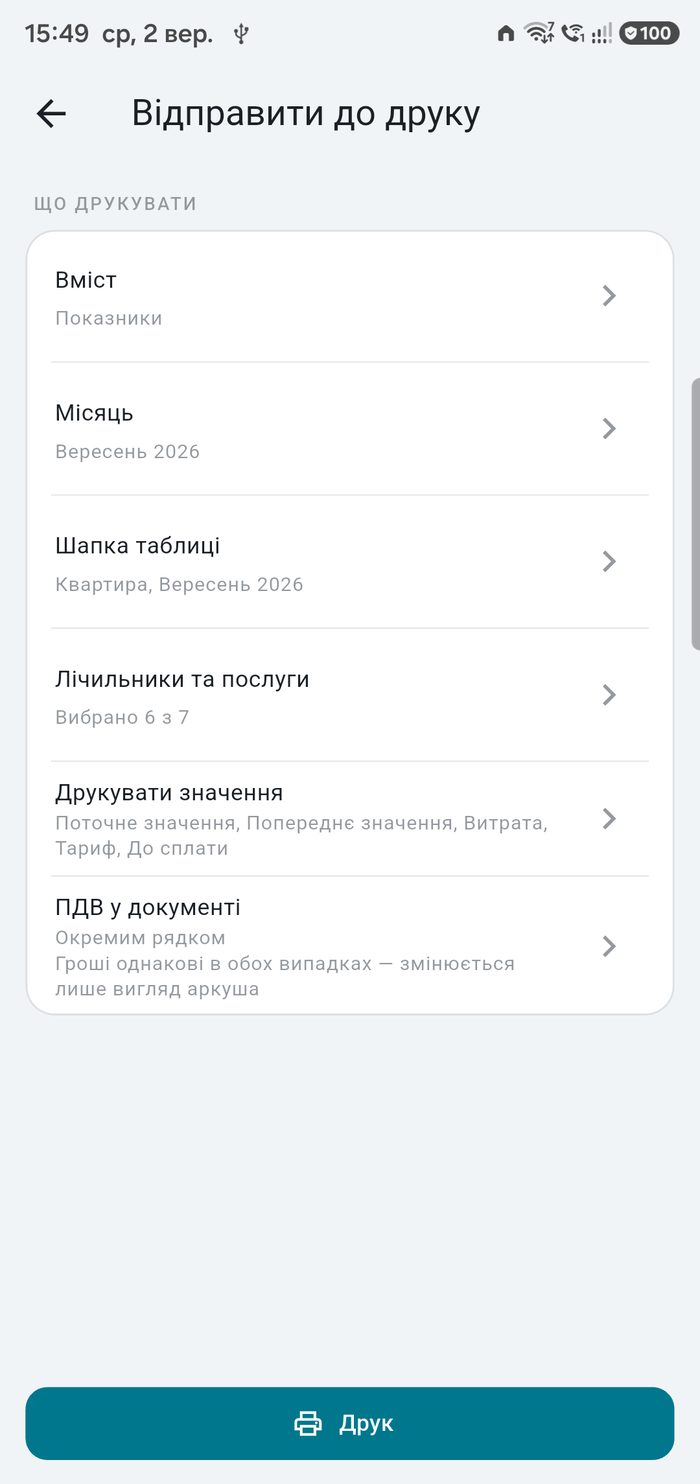
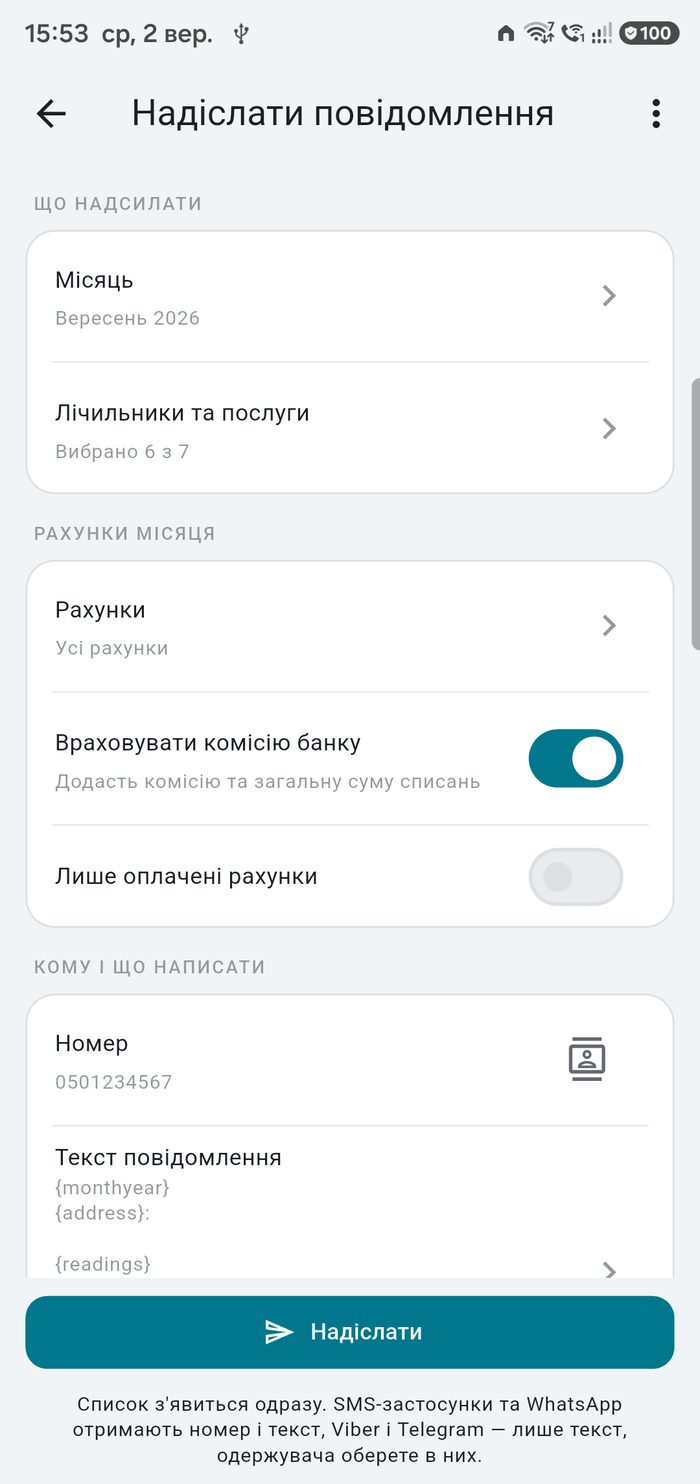
A table for the printer, a message for a messenger, a letter for the tenant — the month leaves the app as it stands. The heading takes the address and the month by itself, meters and services both go in, and whatever is switched off in the settings starts unticked.

Tariffs That Follow the Season

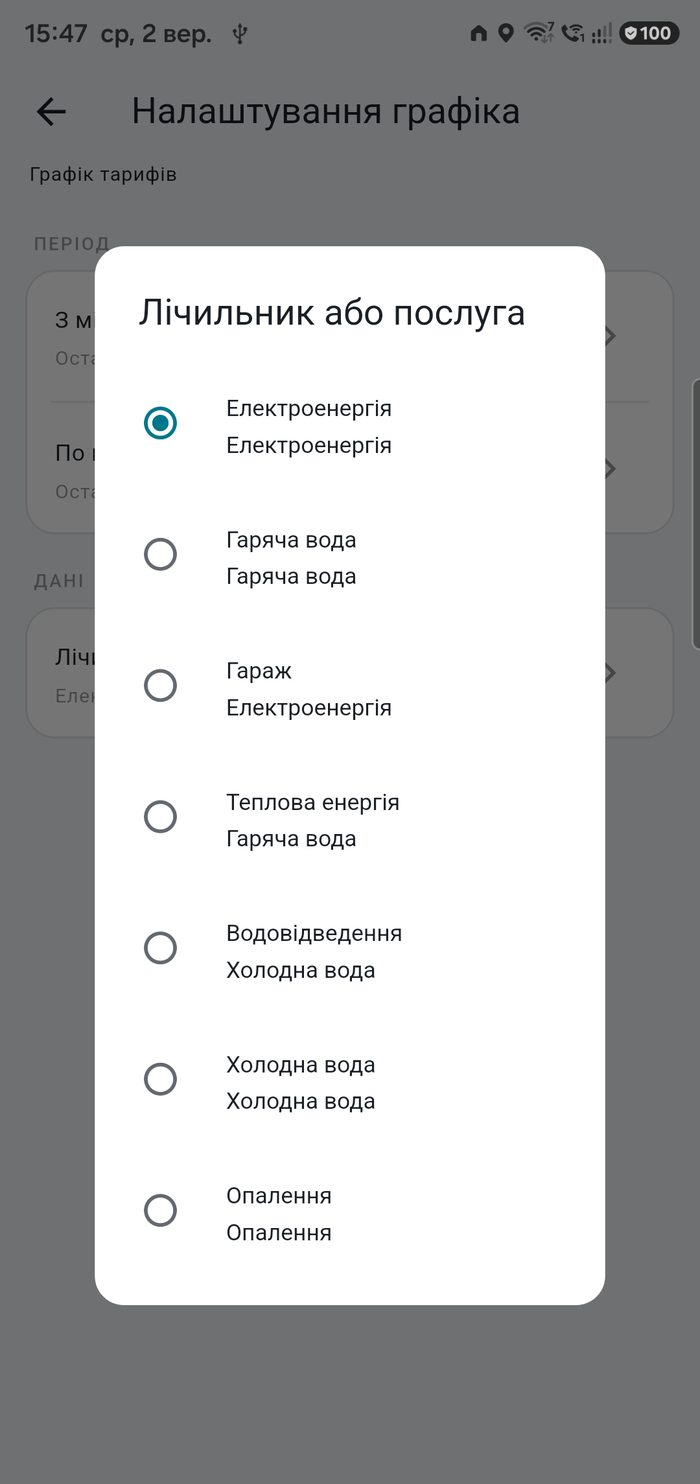
A meter or a service can be given two to four seasons, each with its own starting month, rates, discounts and thresholds. The year is described once and then repeats itself — nothing has to be changed by hand in January or in October.

Every Address in One Table

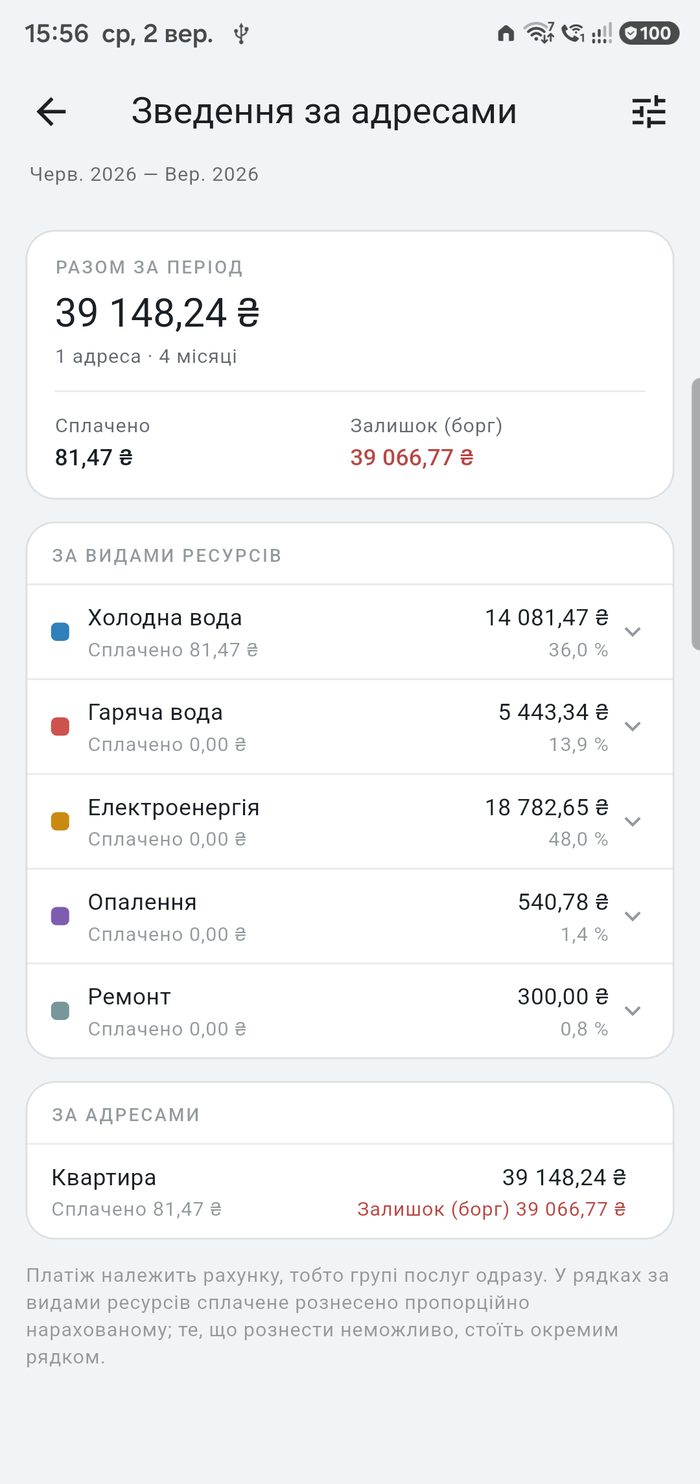
A flat, a house and a garage side by side: what each was charged over a period, how much has been paid and what is still owed — broken down by kind of resource.

Benefits and Subsidies, Counted the Way the Receipt Counts Them

A discount on a norm, free cubic metres, one beneficiary among the residents, a monthly compensation — each is recorded in its own place, and the benefit stands in the month as a line of its own to check against the receipt. What goes where, with worked examples, is on a separate page.

How to record a benefit
Official Tariffs

The Tariff Fills Itself In

Once a month the app downloads a public file of official tariffs and shows the rate in force for your resource — with the date it took effect and the decree that set it. One tap puts that rate into the form. When the published rate changes, a notification tells you which of your meters it touches.

  • Electricity — one national rate, in one, two or three zones.
  • Water and sewage — by your city; where a city has more than one utility, you pick yours.
  • Hot water and heating — by the supplier, filled in for you wherever the city has only one.
  • A rate you entered by hand is never overwritten, and past months keep the rate they were billed at.
  • One switch turns the whole thing off — the app then makes no requests of its own at all.
  • No catalogue for your country yet? Enter the rate once as a tariff of your own and put it into any meter.

Gas is not in the catalogue: its suppliers are not covered by the source the tariffs come from.

The Tariffs Come From an Open Project

None of these rates are typed in by hand. A separate open project collects them every month: it reads the suppliers' own sites, checks the effective dates against the decrees of the regulator and the government, verifies every row against its source, and publishes a single JSON file. The pipeline is built so that anyone can add a country — the contract of the file is documented and the checklist is written down.

Ukraine is in the catalogue today. If you would like your own country there, join in.

The project on GitHub
Bills and Payments

The Bill as the Cashier Sees It

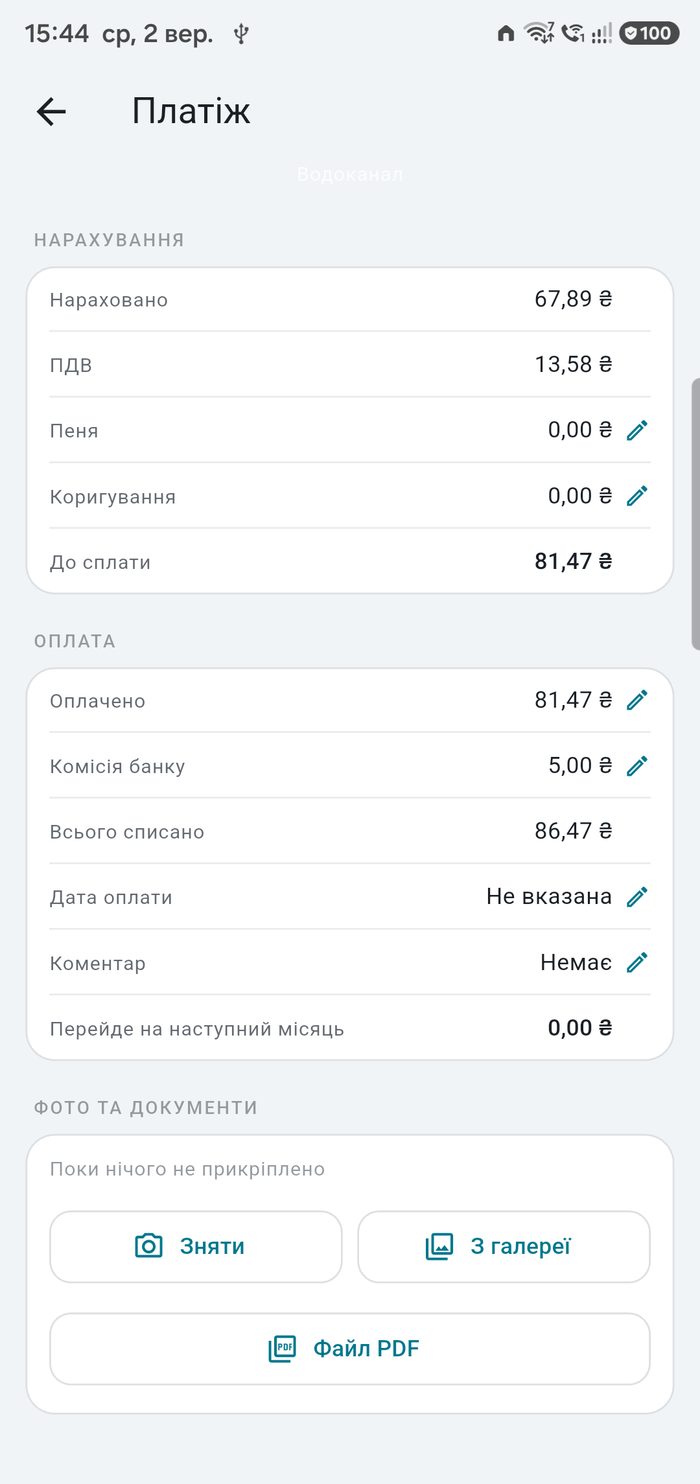
A bill here is meant to match the paper you actually pay: the same resources on it, the same tax, the same figure at the bottom. What the bank takes for the transfer is kept as a line of its own, because that money never reaches the supplier.

  • VAT, switched on in the settings of the address and counted separately for each kind of resource.
  • The commission of the bank on its own line, next to the sum actually taken from your account.
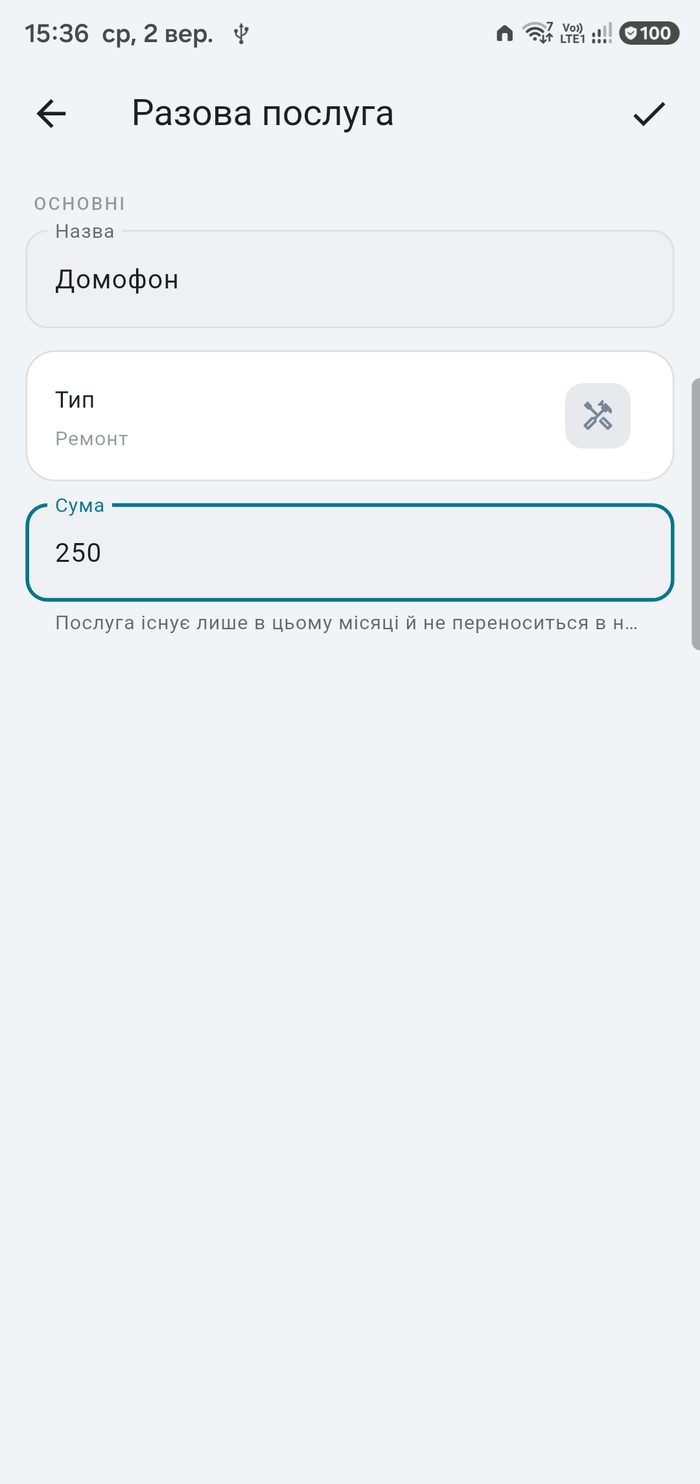
  • A one-off charge — a repair, an intercom — that lives in a single month and is not carried forward.
  • The balance of a bill moves to the next month: an overpayment lowers the next charge, a debt is added to it.
  • A summary of the bills and the payments goes into the printout, the message and the letter.
Linux and Windows

KomMeter on Your Computer

The same journal on a big screen: the side menu, two panes side by side, printing and export, your data moved to and from the phone. Every feature is free for 14 days; after that, a yearly subscription or a one-time licence.

  • 14 days of every feature, with no card and no account.
  • Lifetime licence or a yearly subscription; one purchase covers two computers.
  • Your data stays on your computer; the phone and the computer exchange it through a file or your own cloud.
  • After the trial nothing is lost: the data stays readable, can be backed up and moved to the phone.
Prices and purchase

Your Data Stays Yours.

No account, no server, no advertising. The whole journal lives in one file on your phone — and you can take it out whenever you like: a full backup, a CSV for a spreadsheet, or a printed table for whoever rents the place.

  • Backups on demand or on a schedule, with receipt photos included.
  • CSV export and printing straight from the app.
  • Import from DomoMeter, with every month recalculated and checked.
  • Several properties — a flat, a house, a garage — side by side.
  • Clone an address: the second flat starts as a copy of the first, with or without its history.
  • A PDF receipt, a payment QR code, and a reminder before the meter is due for verification.
  • Readings and bills sent as a message or a letter, straight from the month.

Frequently Asked Questions

Can the app read a meter reading from the camera?

Yes. Point the camera at the dial and the app recognises the digits on the device itself, with no internet connection. Drum wheels and seven-segment displays are read by two different models, each trained on meters. You confirm or correct the number before it is saved.

Does it support two-tariff and three-tariff electricity meters?

Yes. An electricity meter can have up to three tariff zones — day, night and peak — each with its own reading and rate. Tariffs with one or two thresholds and discounts are supported as well.

How are services without a meter calculated?

There are eleven calculation methods: a monthly or daily norm, floor area, number of residents, number of days, a fixed or variable sum, total consumption of several meters, and your own formula.

Does the app work offline?

In everything that matters, yes. There is no registration, no account and no advertising, and your readings, tariffs, payments and receipt photos are stored only on your device. The app reaches the network for three things, all optional and all switched on by you: the monthly download of the public tariff file, backups to your own cloud storage, and cloud recognition if you enter a key of your own.

Can I move my history from another app?

Yes. KomMeter imports a DomoMeter database with every property, meter, tariff, bill and payment, recalculates the journal and reports any month whose stored total does not match its own readings.

What happens when a meter is replaced?

The old meter is archived with its full history and a successor takes its place, keeping the type, group, tariff and dial format. The month of the replacement counts both runs, and a chart can show the combined history as one line.

What is sent to the cloud when AI recognition is switched on?

Only the photograph of the dial and the number of digits the meter has. No address, no readings, no history. It goes to the provider you chose, on your key and at your expense — there is no middleman in between. Without a key nothing is sent at all, and the reading is always yours to confirm.

What does AI recognition cost?

Whatever your provider charges, and several of them offer free models. The app counts the photographs and tokens it has spent and shows an approximate sum at a price you can correct yourself. You also set a monthly limit on the number of photographs.

Where do the official tariffs come from, and how often are they updated?

An open project collects them from the suppliers' own sites and publishes them once a month; the app checks for an update on a day you choose, the 28th by default. It is an anonymous download of a public file — nothing about you goes with the request.

My city is not in the tariff catalogue.

Type the name in yourself: the property stays fully usable, you simply enter the rate by hand. If it is your whole country that is missing, the project that collects the tariffs is open and a country can be added to it.

Will a tariff update rewrite my history?

No. Every past month keeps a snapshot of the rate it was billed at. The app offers to update the latest month only, and only while no reading has been entered into it and nothing has been paid against it. A rate you typed by hand is never overwritten.

Can the app account for VAT?

Yes. VAT is switched on in the settings of the address, with its own rate, and it is counted separately for each kind of resource — the suppliers are not the same. In the printed document you choose whether the tax stands as its own line or sits inside the amount; the money is identical either way.

How do I send the readings and the bill to a tenant?

Straight from the month: a message for SMS, Viber, WhatsApp or Telegram, or a letter for your mail client. The text follows a template you can edit, the meters and services are ticked in a list, and the bills and payments of the month can be added to it.

What if a charge happens only once?

Add it as a one-off service in that month: a name, a kind and an amount. It stays where you put it and does not move into the next month.

How do I record a benefit or a subsidy?

Switch benefits on in the settings of the address. A benefit measured in kWh, m³ or residents goes into the tariff of the resource; a percentage or a fixed sum, for several resources at once, goes into the Benefits section. There are enough cases that they have a page of their own, with an example for each common receipt line: How to record a benefit
What's New

Latest updates for KomMeter.