Widget App
Your upcoming events, always at a glance.
Events Widget keeps birthdays, holidays, and calendar events on your home screen — no app opening required. Beautiful, customisable, and completely private.
Events Widget keeps birthdays, holidays, and calendar events on your home screen — no app opening required. Beautiful, customisable, and completely private.
A comprehensive widget app that brings all your important dates together in one elegant place.
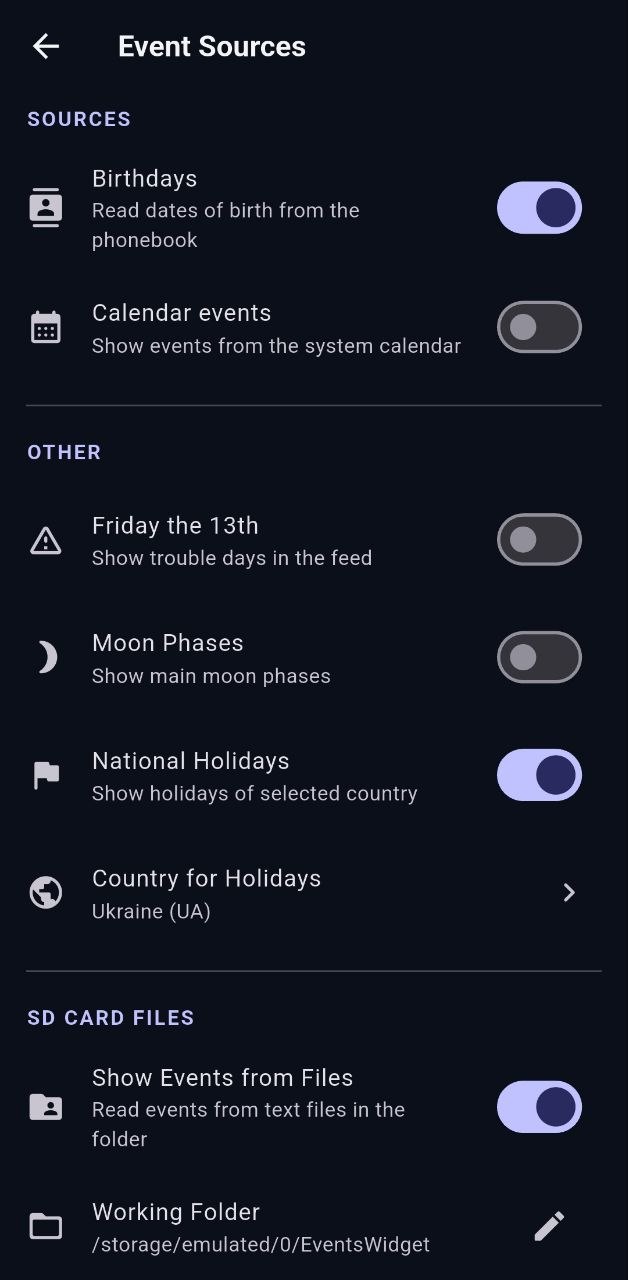
Automatically reads birthdays from your contacts. Shows upcoming age and zodiac sign — never forget an important date again.
Seamless integration with Google Calendar and other system calendars. Choose exactly which calendars to display on your widget.
Load events from custom text files on your device. Supports birthdays, holidays, and floating dates with custom formula syntax.
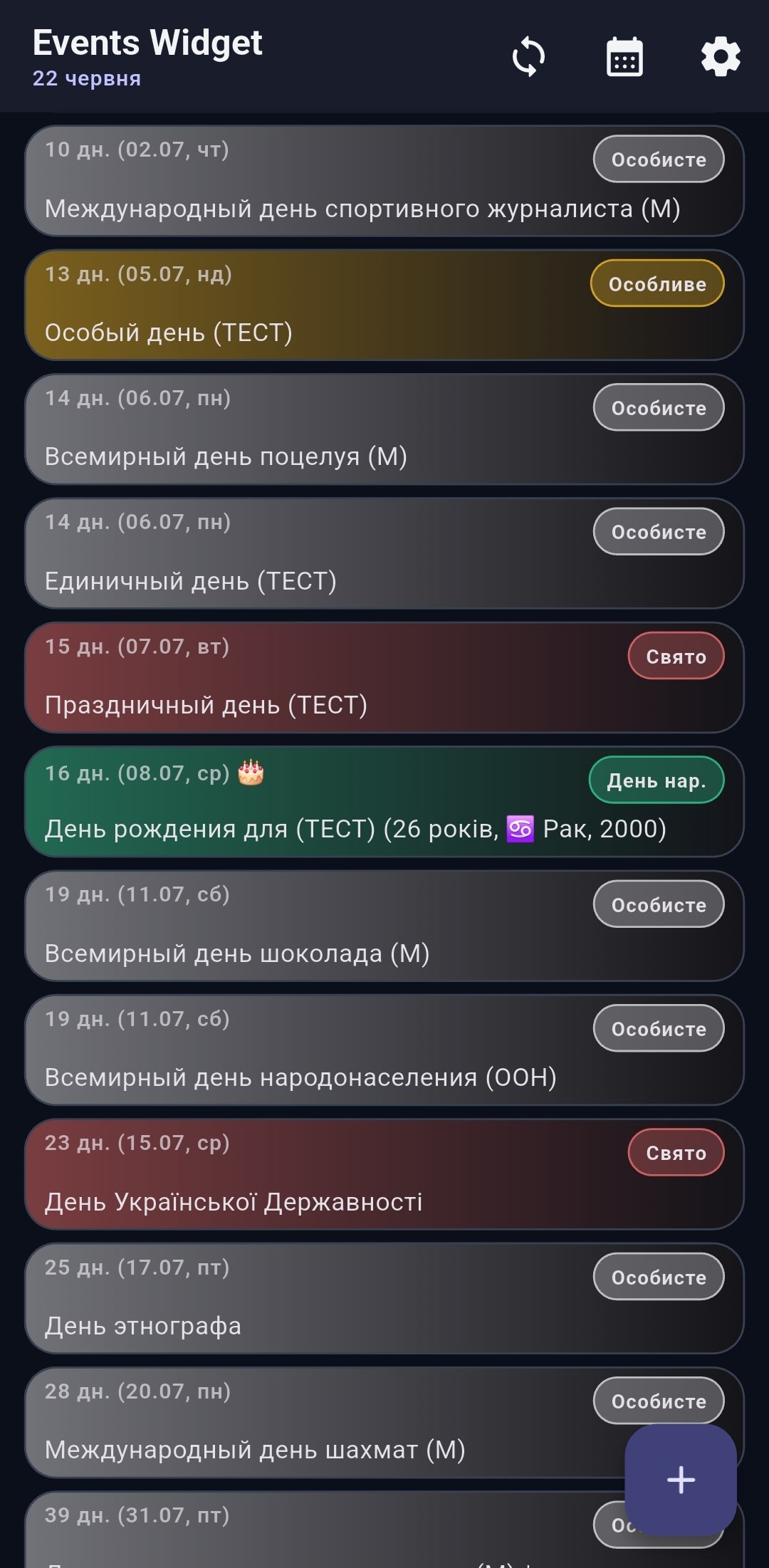
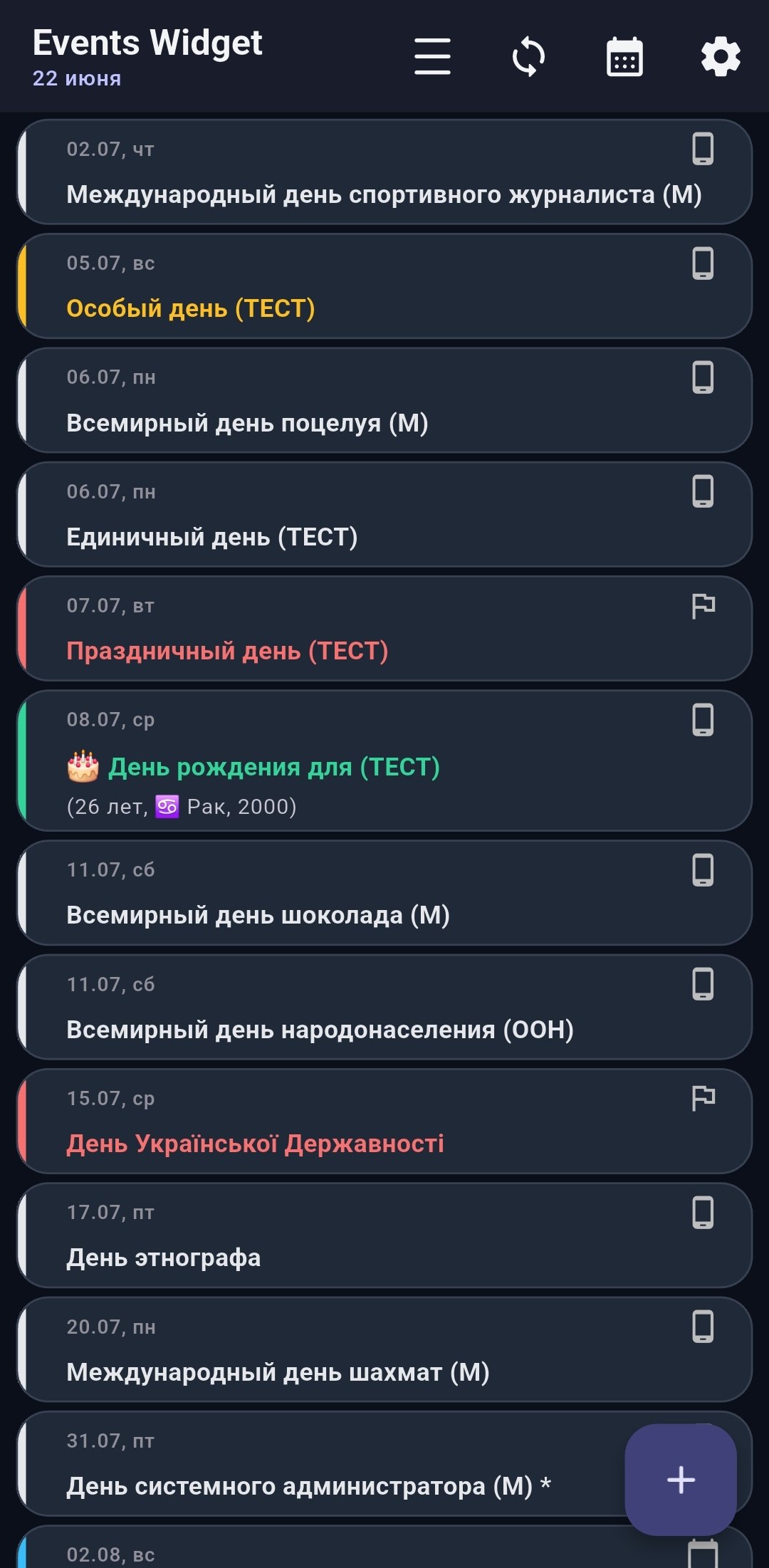
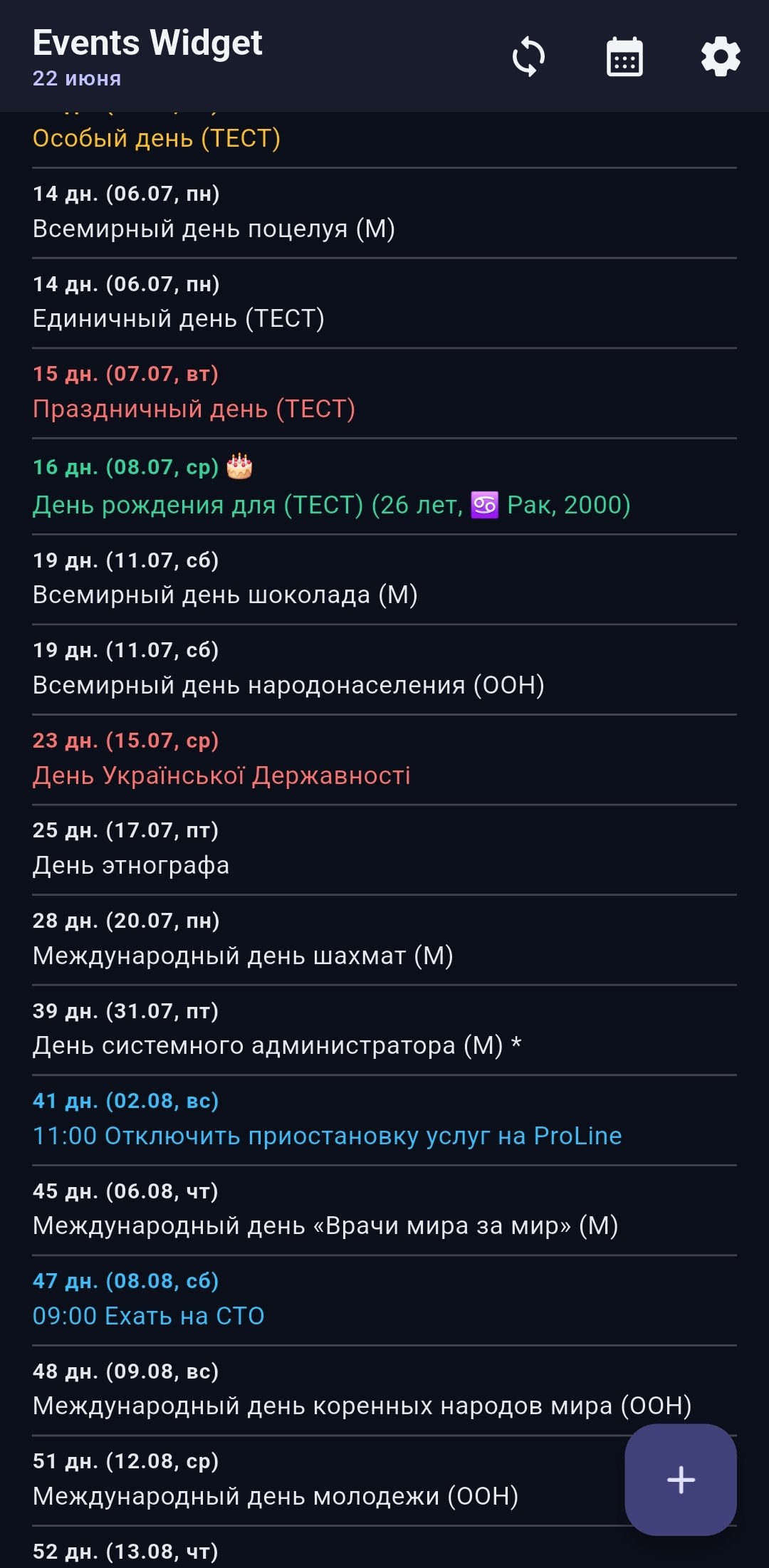
Default cards with colour bar, Modern gradient tiles with event-type badges, or Classic minimalist list. Pick what fits your taste.
Add home screen widgets from 4×1 to 4×4. Customise background transparency, corner radius, borders, and colour scheme to match your wallpaper.
Get reminded on the event day or in advance — 1, 3, or 7 days before — at a time of your choice. Never miss a birthday again.
Download ready-made lists of holidays to import directly into the app.
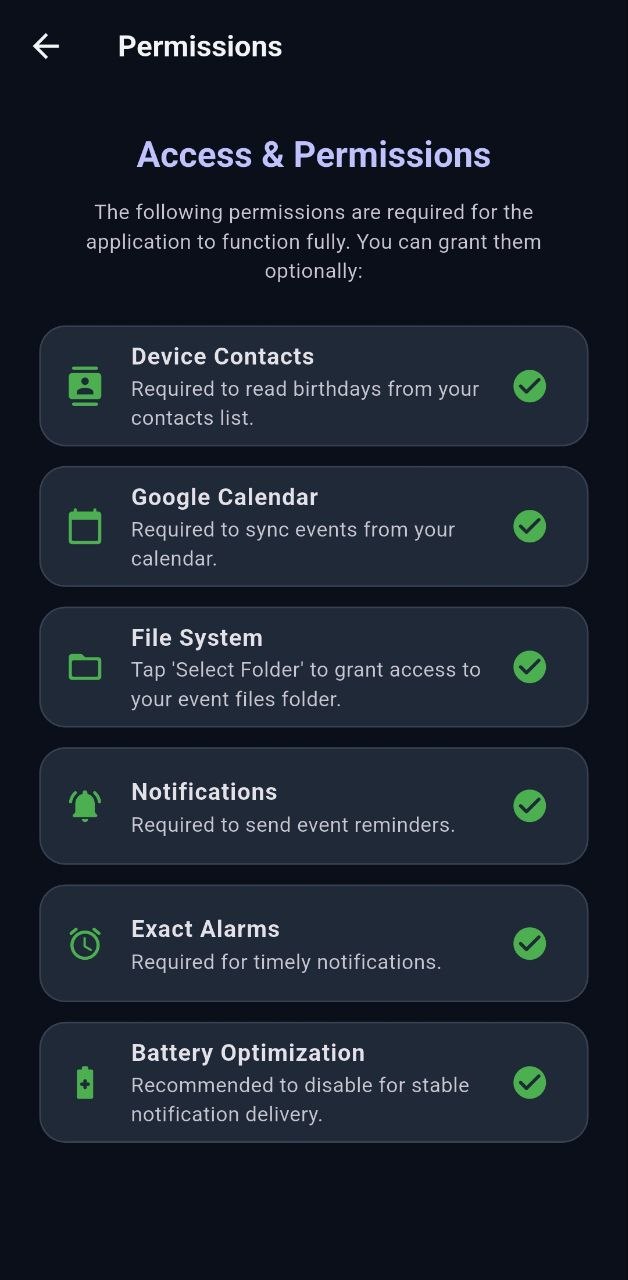
Grant the app access to your contacts in the permissions screen. It will automatically read all birthdays and display them on the widget, sorted by upcoming date.
Yes. The app syncs with Google Calendar and all other system calendars on your device. You can choose which calendars to show on the widget.
Yes. Place a .txt file on your device and point the app to it. It supports birthdays, fixed holidays, and floating dates with formula syntax.
You can add widgets in sizes from 4×1 to 4×4. Each size can have its own colour scheme, transparency, and border settings.
No. All data — contacts, calendar events, and file imports — is processed and stored locally on your device. The only network call is to Nager.Date to fetch public holidays for your country (only the country code is sent).
Open the app settings and enable notifications. You can choose to be notified on the event day or 1, 3, or 7 days before, at a preferred time.
Latest updates for Events Widget.